The one-rule definition
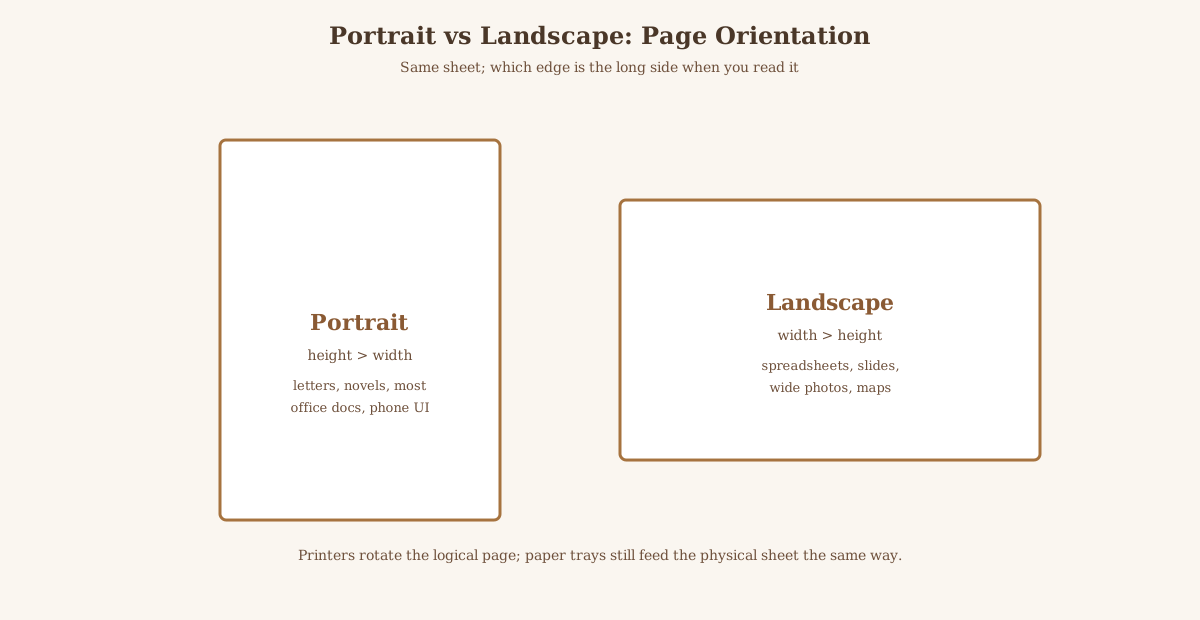
Portrait: height greater than width. Landscape: width greater than height. PrintWiki's orientation entry states the same height-versus-width rule used in page layout and printer dialogs [PrintWiki: Orientation, checked 2026-10-25].
The words come from picture formats. A standing person fits a tall frame; a wide horizon fits a wide frame. Office software reused the labels for any page, chart, or photo book.
| Dimension | Portrait | Landscape |
|---|---|---|
| Geometry | Height > width | Width > height |
| A4 numbers (ISO 216) | 210 × 297 mm | 297 × 210 mm (same sheet, rotated) |
| US Letter numbers | 8.5 × 11 in | 11 × 8.5 in (same sheet, rotated) |
| Typical text docs | Letters, reports, novels | Wide tables, timelines, spreadsheets |
| Typical images | Vertical portraits, posters of standing figures | Panoramas, group rows, maps |
| Printer dialog label | Portrait / tall | Landscape / wide |
The words come from painting and photography: a standing person fits a tall frame; a horizon fits a wide one. Office software reused the metaphor for any page, sheet, or slide.
Orientation is not paper stock. A4, Letter, and Legal each have a portrait default and a landscape rotation of the same sheet. You are not ordering different pulp when you flip the long edge.
How to choose without guessing
Match the dominant content aspect ratio. A single vertical photo on a page that is forced into landscape wastes side margins or forces cropping. A wide Gantt chart on portrait forces tiny type or split pages.
For multipage books, portrait is the default reading posture in most trade and textbook trim sizes. Landscape photo books and atlases exist when the image inventory is mostly wide.
When you request a commercial print quote, specify finished width × height explicitly (for example 210 × 297 mm) instead of only saying "A4," so the plant knows which edge is binding.
Choose portrait for text-heavy letters, manuscripts, and most forms. Choose landscape for wide tables, timelines, and slides that need horizontal room.
If one chart is wider than it is tall, landscape usually wastes less margin than shrinking the chart into portrait. If the file is mostly prose with one wide figure, keep portrait and let that figure span or rotate on its own page.
ISO 216 A4 is 210 × 297 mm in portrait and 297 × 210 mm in landscape. US Letter is 8.5 × 11 in portrait and 11 × 8.5 in landscape. The sheet size is unchanged; the axis you call width flips.
Software and press gotchas
Page setup orientation and printer-driver orientation must agree. A file saved as landscape can still emerge portrait if the driver overrides the job ticket.
Some imposing workflows rotate pages for sheetfed presses; that shop-floor rotation is not the same as choosing portrait versus landscape for the finished trim. Ask for a trimmed proof if the binding edge matters.
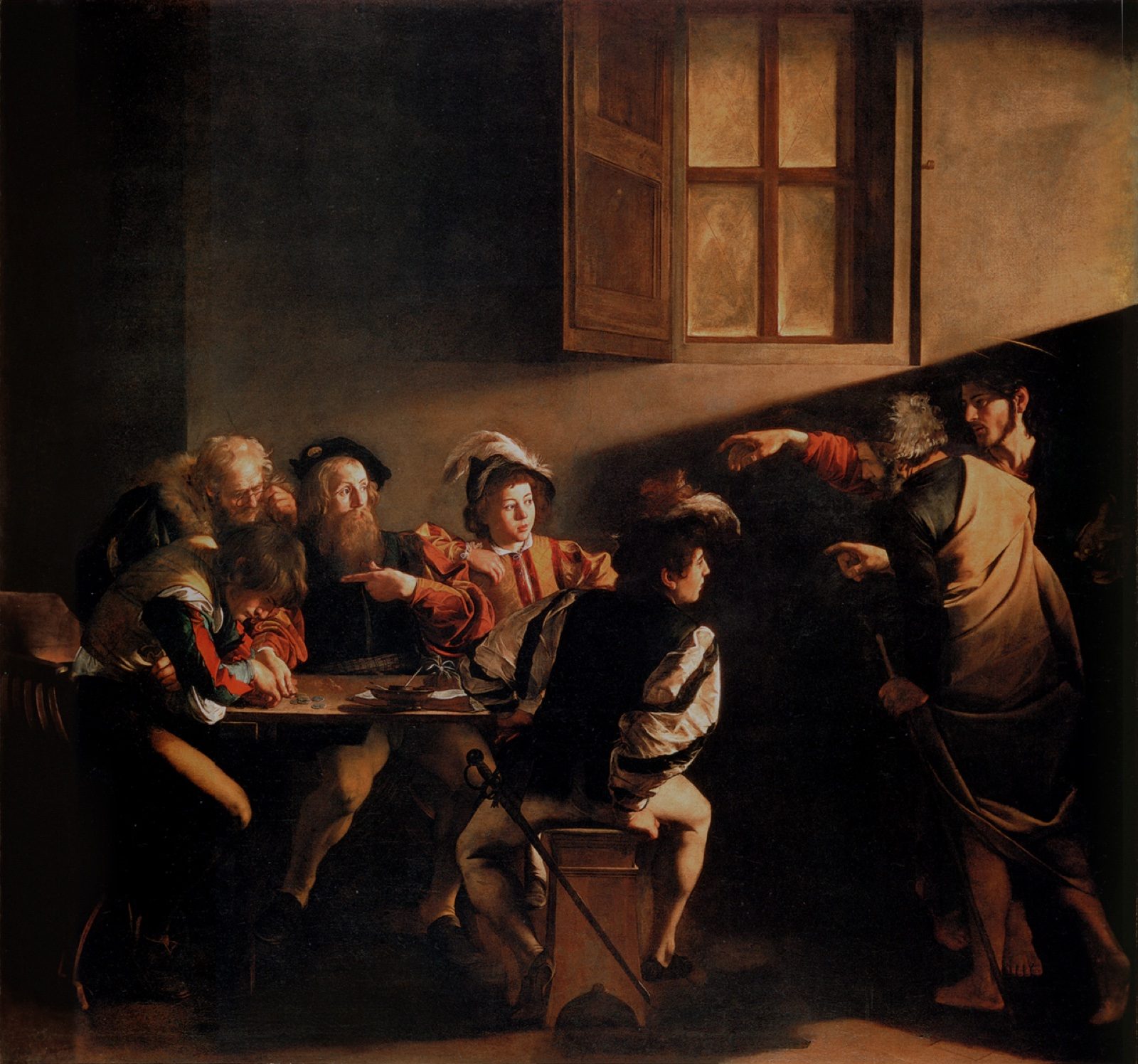
Related UmberLore reading on painted formats: Famous portraits and Famous landscape paintings (subject matter, not printer dialogs).
Driver dialogs sometimes show a page icon and a separate rotate control. Setting landscape in the app but leaving the driver on portrait (or the reverse) is a classic reason half a spreadsheet prints cut off.
PDF viewers can rotate the display without changing the page's defined orientation. What you see after a temporary on-screen tilt may still print as the file's real orientation. Trust print preview.
Mixed-orientation PDFs are allowed but painful in office workflows. Prefer one orientation per file unless a press pipeline expects otherwise.